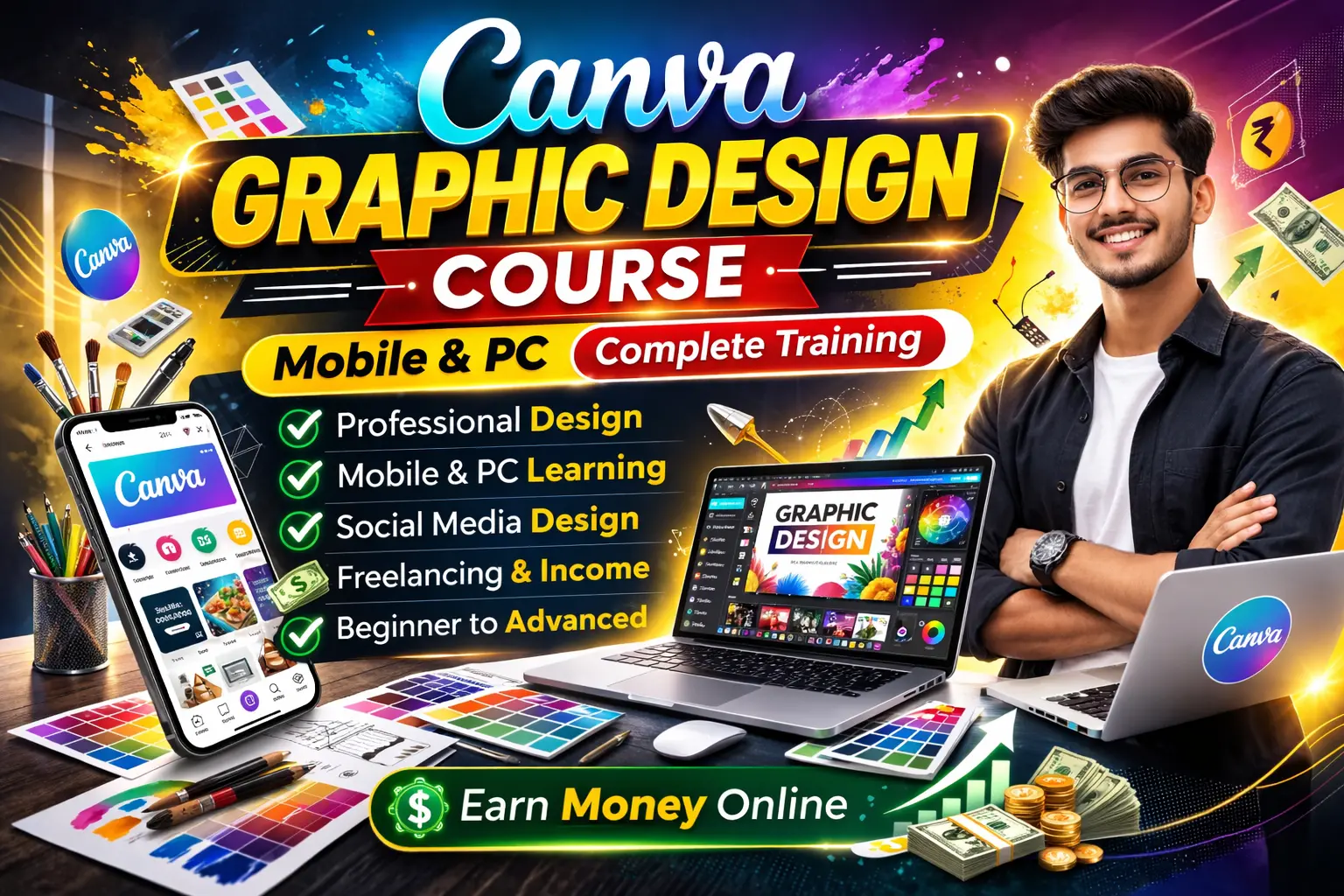
About Course
Course Overview
The Canva Graphic Design Course is specially designed for beginners who want to learn professional graphic design using Canva on both Mobile and PC. This course teaches you step by step how to create high-quality social media posts, thumbnails, banners, logos, and business designs without needing advanced technical knowledge.
Whether you are a student, freelancer, content creator, or business owner, this course will help you design professionally and start earning through your creativity.
Course Mode
-
📱 Canva Mobile App Training
-
💻 Canva Desktop Version Training
-
🎥 Easy Step-by-Step Video Lessons
-
🔁 Learn & Practice Anytime
What You Will Learn
-
Canva basics and interface understanding
-
Social media post design (Instagram, Facebook)
-
YouTube thumbnail and banner design
-
Logo, poster & flyer creation
-
Color combinations and font selection
-
Design alignment and layout techniques
-
Branding basics using Canva
-
Export settings for high-quality designs
-
How to get freelance clients
-
Ways to earn money using Canva skills
Who Can Join
-
Students & beginners
-
Social media creators
-
Freelancers
-
Business owners
-
Anyone interested in graphic design
No prior design experience required.
Course Benefits
-
Learn professional graphic design
-
Create social media content confidently
-
Improve your creativity
-
Start freelancing as a Canva designer
-
Earn money from home
Final Note
This Canva Graphic Design Course (Mobile + PC) is perfect for anyone who wants to turn creativity into income. Learn step by step and build strong design skills that help you grow professionally.
Course Content
Module 1: Introduction to Canva
-
Canva overview
-
Account setup
-
Understanding tools & features
Module 2: Mobile Canva Training
Module 3: Canva Desktop Training
Module 4: Professional Design Creation
Module 5: Freelancing & Earning
Student Ratings & Reviews